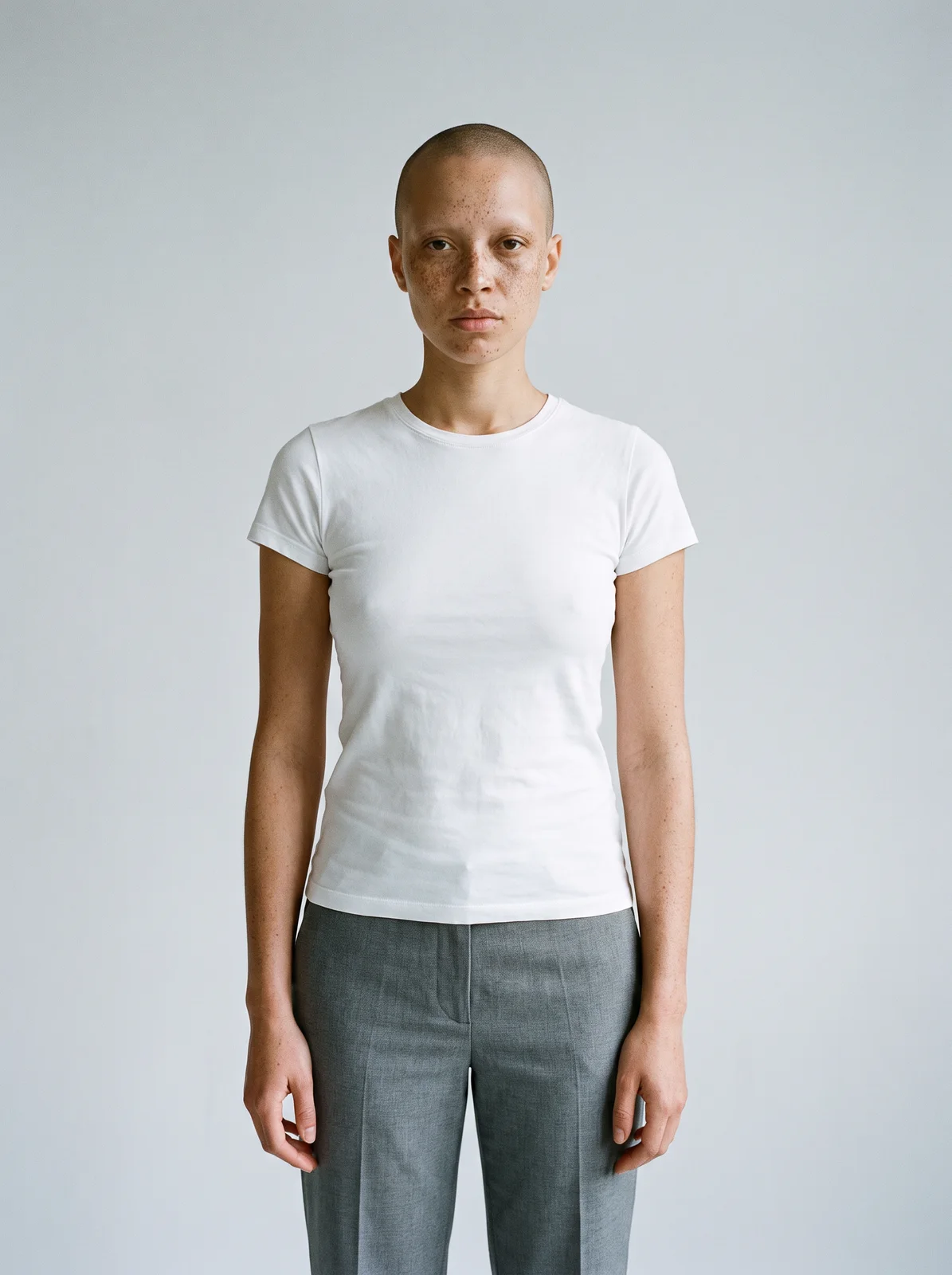
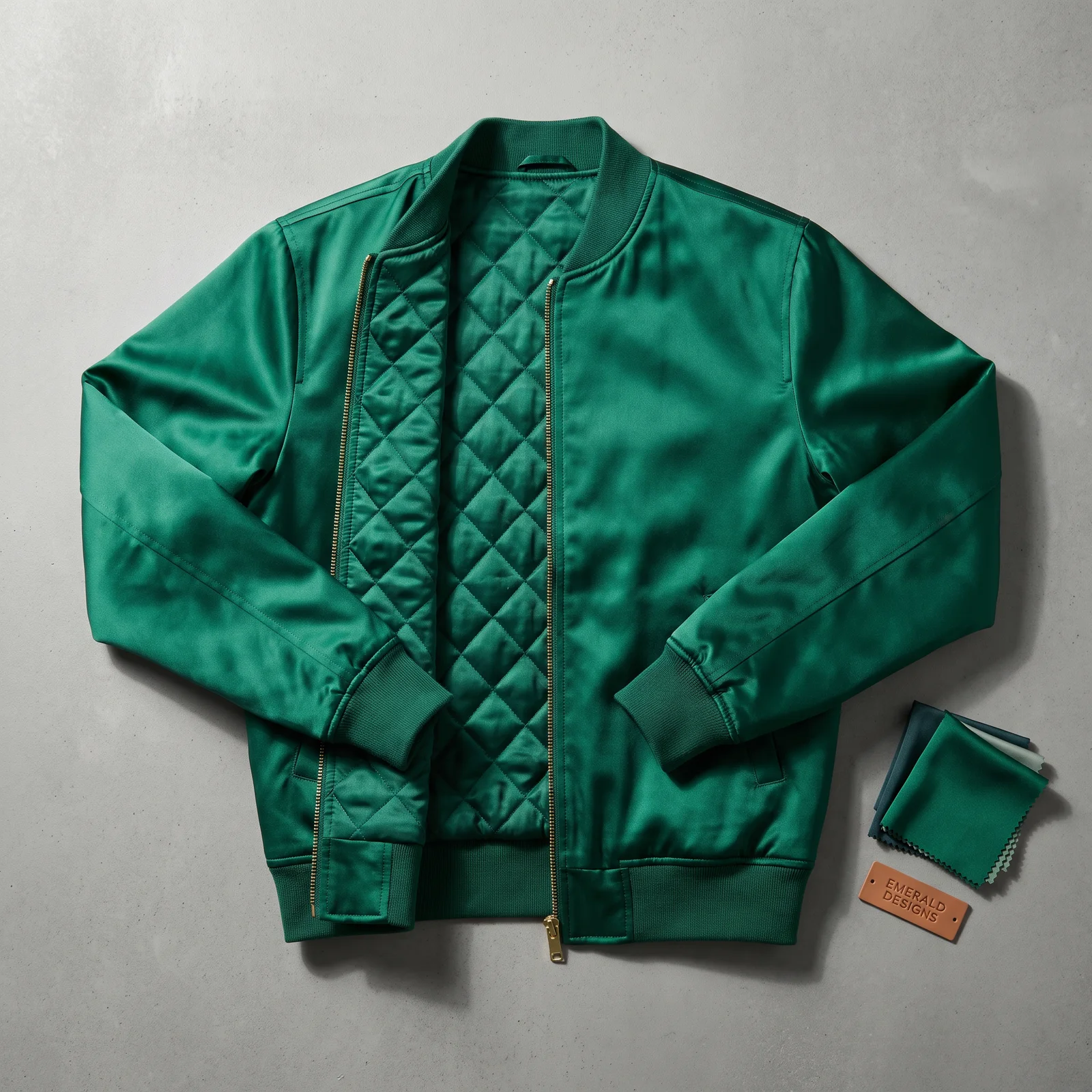
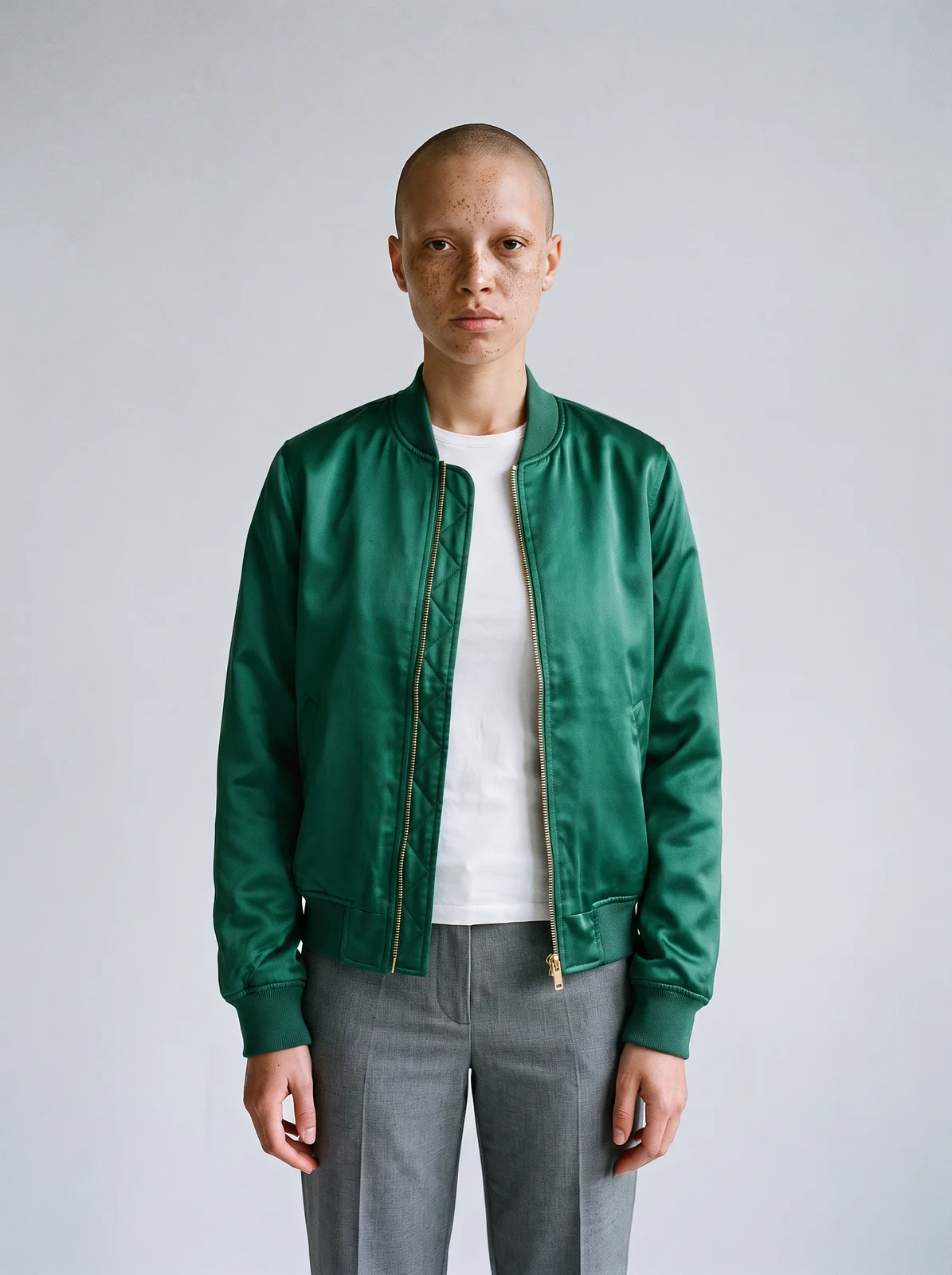
Upload a person and up to three items. The person’s face, body and pose are kept; each item is reproduced with its colour, print and length. Add a scene to place the look somewhere.
What to prepare
Use one photo of a person and one to three garment images; clear product photos work best. A scene image is optional.
- Model · required
- A clear photo of the person, ideally full lengthMaximum images: 1
- Garment · required
- Up to 3 items: clear product photos work bestMaximum images: 3
- Scene · optional
- A setting to place the look inMaximum images: 1
- Describe it · optional
- Styling notes: tucked in, sleeves rolled, open at the collar…
Available settings
- Item
- Auto · Top · Bottom · Dress · Outerwear · Shoes · Bag · Jewellery · Hat
How to use it
- 01Open Virtual try-on on the board.
- 02Add the person and the garments to their separate inputs, and a scene if you want one.
- 03Sign in to generate, then compare the result with your garment images.
What to check in the result
Look at each garment’s shape, colour and print placement, and at how the image shows the person. The image is made by an AI model and can differ from your photos in its details.
A visual preview. It does not simulate size or fit. Only upload photos of people you have the right to use.
A prompt to try
She wears the coat open over a black roll-neck and black trousers, collar turned up slightly, sleeves pushed a little above the wrist.
The example on this page


