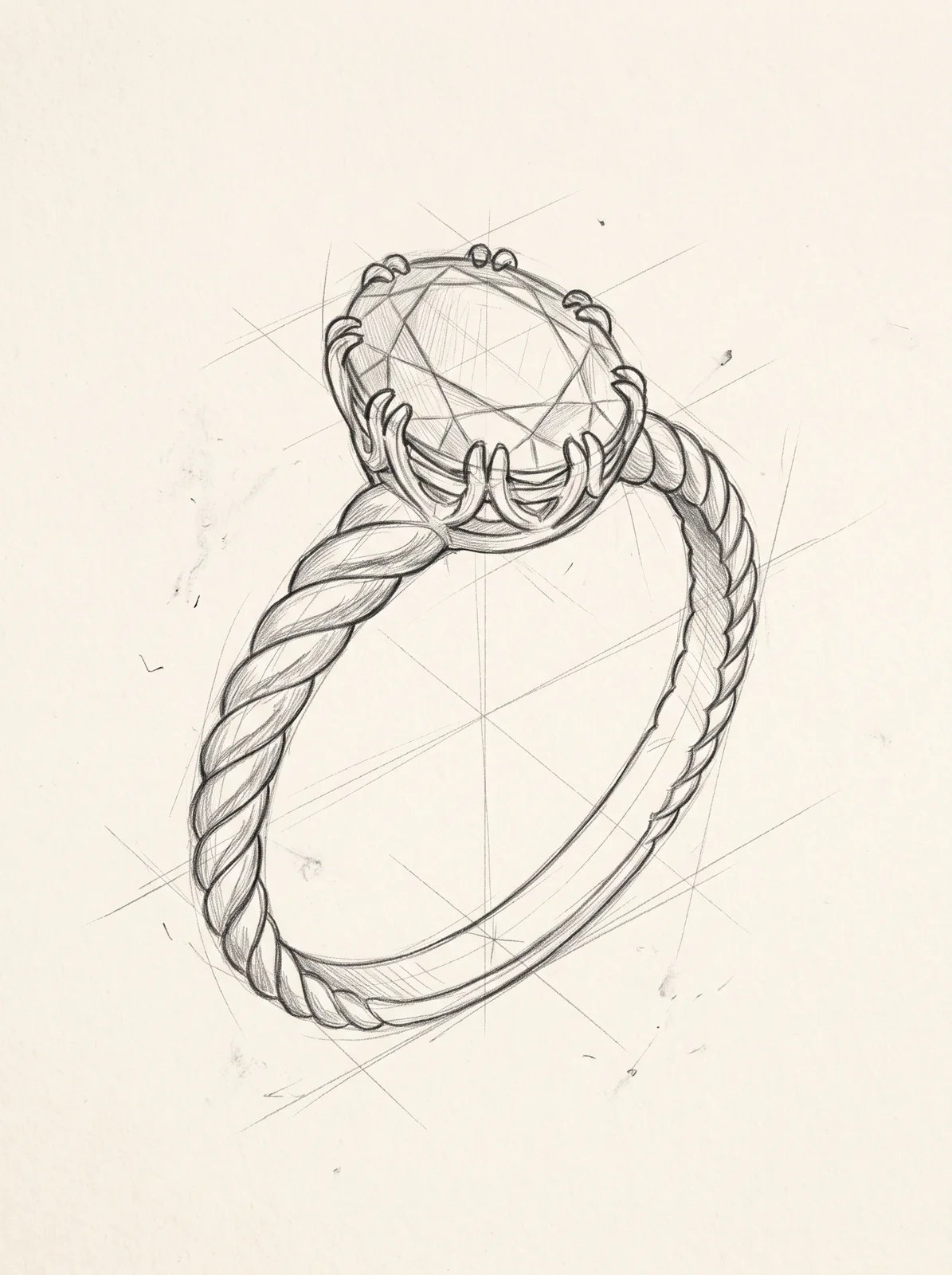
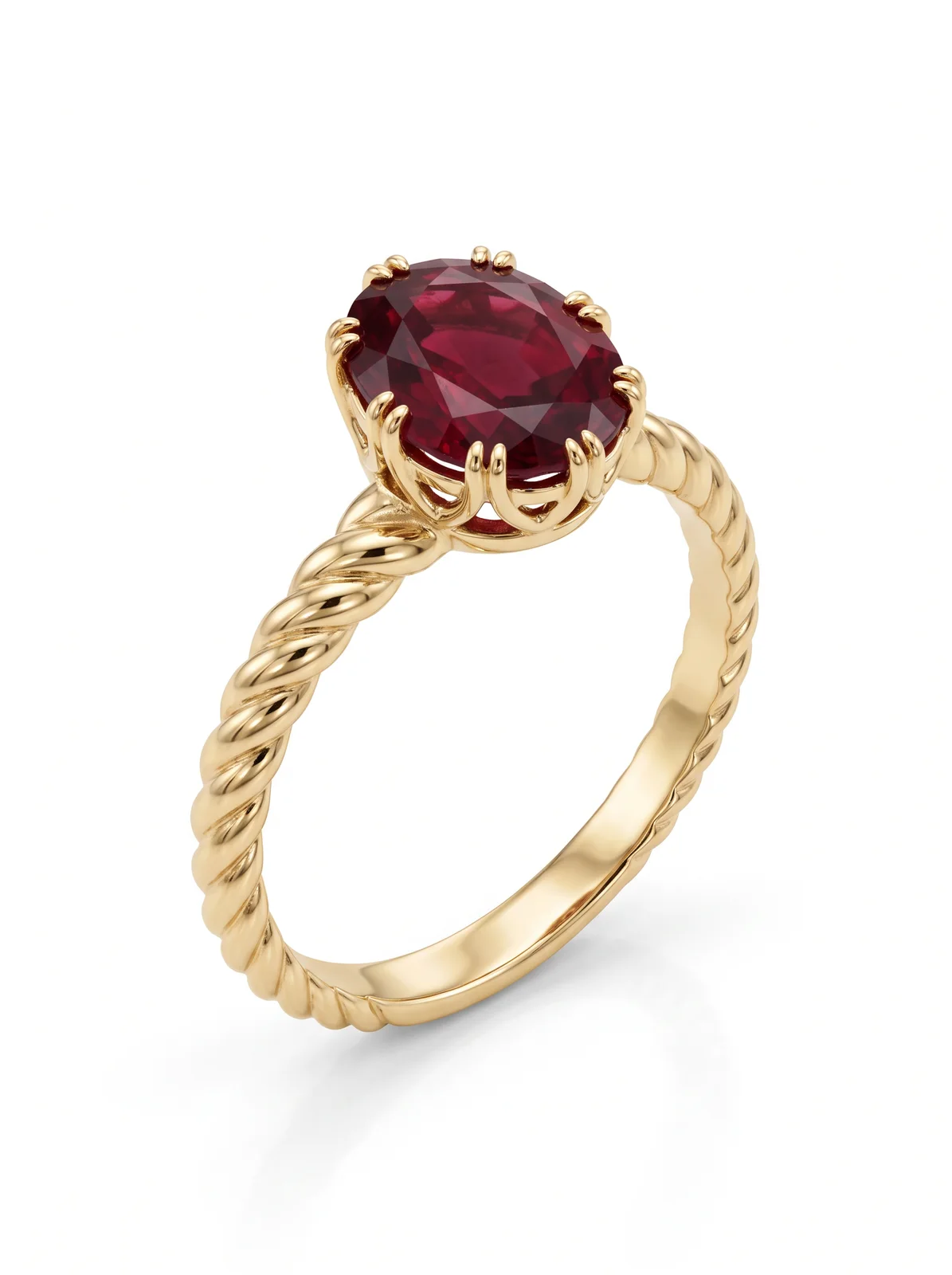
Upload a drawing of a ring, a necklace, earrings, a bracelet or a brooch. The render keeps your design, its proportions and the angle you drew it from, and shows it as a product photograph in the metal you choose. Name the stones and the finish in a few words.
What to prepare
- Sketch · required
- A clear drawing of one pieceMaximum images: 1
- References · optional
- A stone or a finish to take fromMaximum images: 2
- Describe it · optional
- Stones and finish: oval ruby, claw setting, polished…
Available settings
- Piece
- Ring · Necklace · Earrings · Bracelet · Brooch
- Metal
- Yellow gold · White gold · Rose gold · Platinum · Silver
How to use it
- 01Open this tool on the board and prepare the inputs listed here.
- 02Add any required images, choose the available settings, and generate a result.
- 03Compare the result with your brief and source files before downloading or sharing it.
What to check in the result
Check shapes, proportions, colours and fine details against your brief. Generated results can differ from the source.
A proposal render. It is not a CAD model, a casting file or a weight estimate.
A prompt to try
The finished ring from this sketch: 18k yellow gold twisted rope band, oval deep-red ruby in a claw setting, polished finish. Keep the design and the angle exactly; pure white background.
The example on this page


