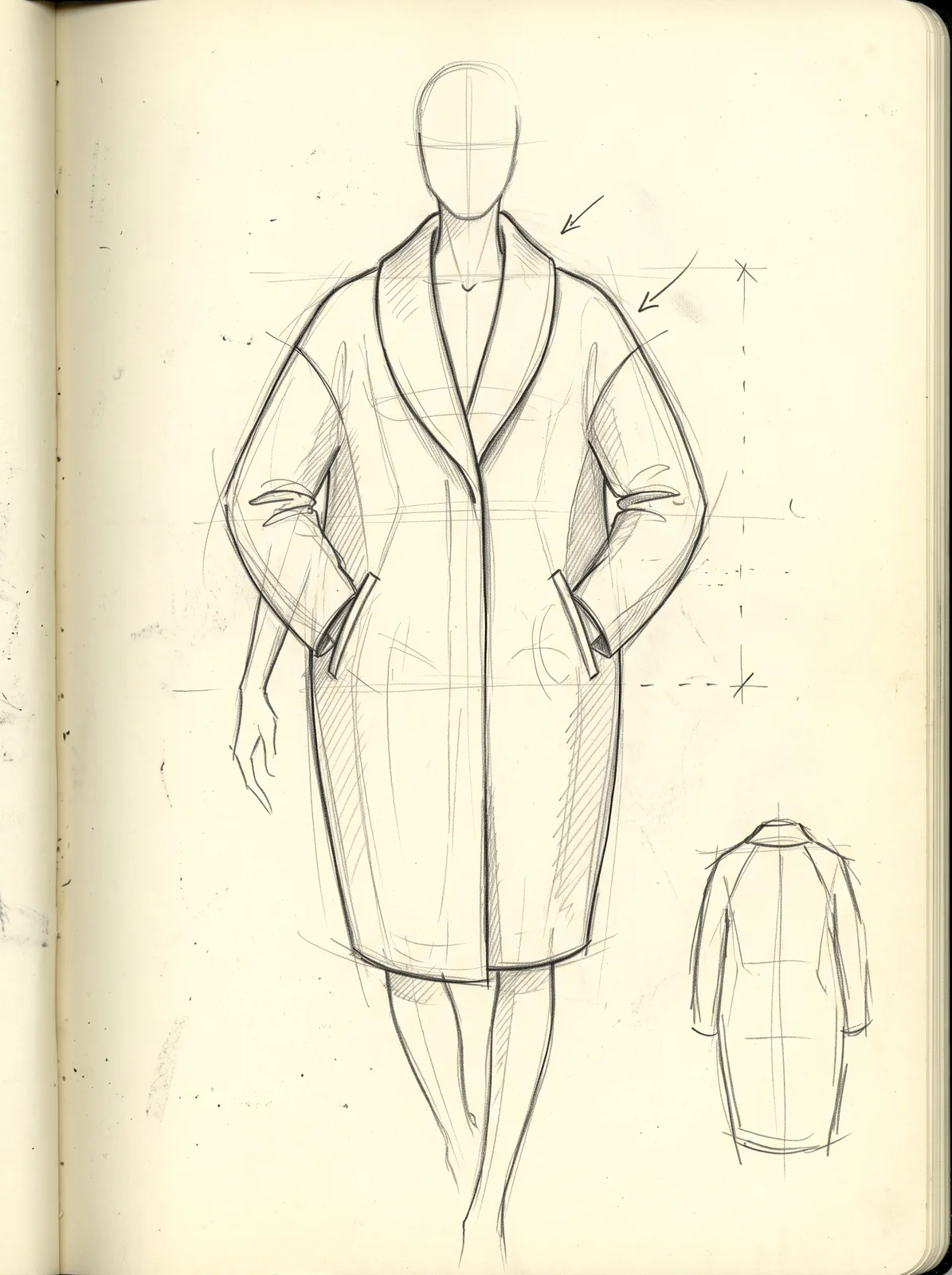
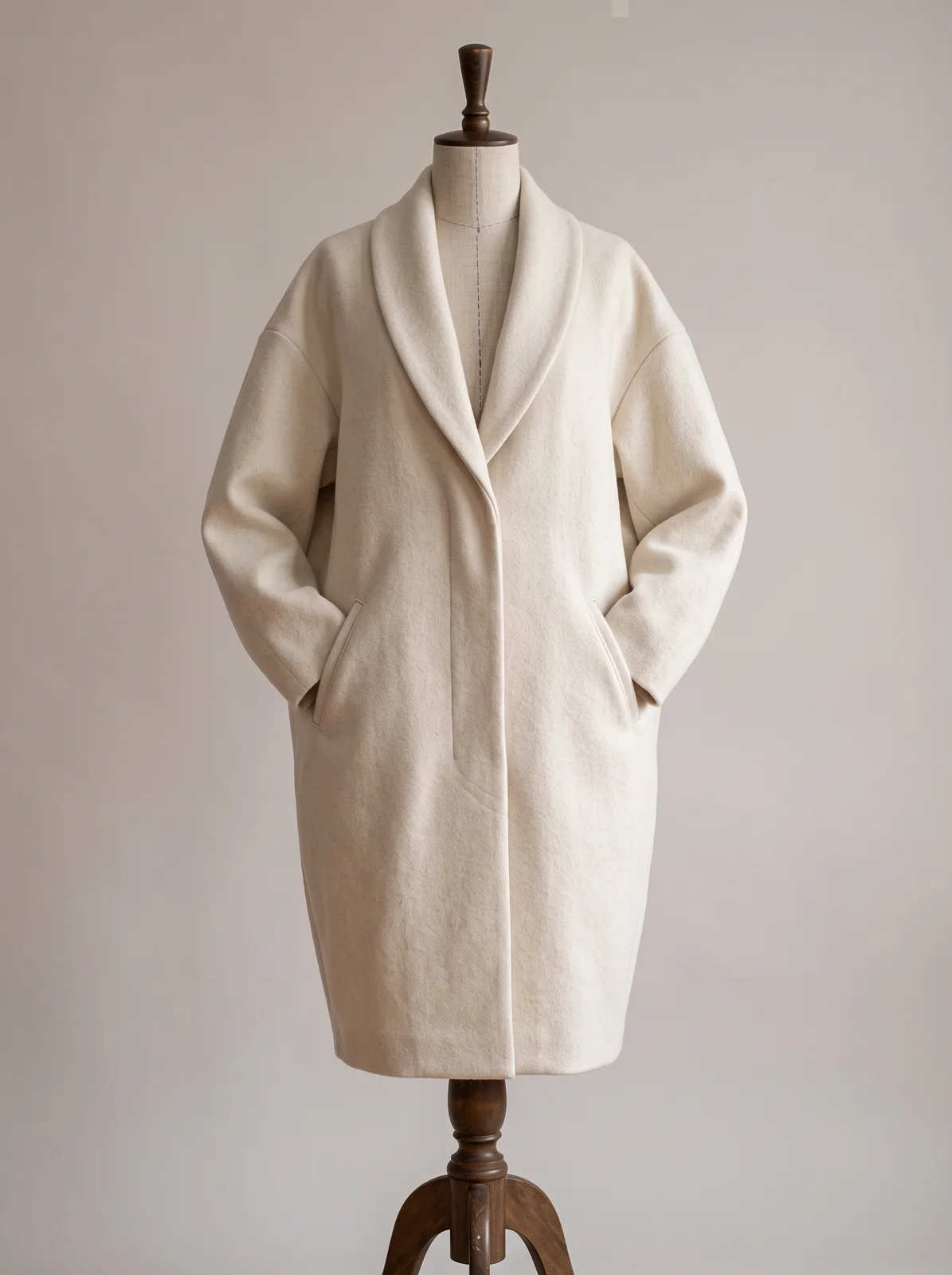
Upload a flat or a fashion illustration. The render follows your lines: silhouette, seams, closures. Add a reference for fabric and trim, and say what the sketch cannot.
What to prepare
Start with a clear fashion line drawing: a flat or a fashion illustration. You can add up to three reference images for fabric, trim or colour, and a few words on what the sketch does not show.
- Sketch · required
- Maximum images: 1
- References · optional
- Fabric, trim or colour to take fromMaximum images: 3
- Describe it · optional
- Fabric, colour, anything the sketch does not show…
Available settings
- Style
- Photo · Flat colour · Illustration
How to use it
- 01Open Sketch to image on the board and add your drawing.
- 02Add references if you have them, say what the look should be, and choose a style for the result.
- 03Sign in to generate, then compare the image with your original sketch.
What to check in the result
Compare the silhouette, seams, closures and fabric details with your drawing. The image is made by an AI model and can differ from the sketch in its details.
The result is a 2D proposal render. It is not a pattern, a 3D model or a production specification.
A prompt to try
Make this sketch a finished coat in undyed ecru melton wool, on a tailor's dress form. Keep the shawl collar, the dropped shoulder and the length exactly as drawn; matte horn buttons hidden under the placket.
The example on this page


