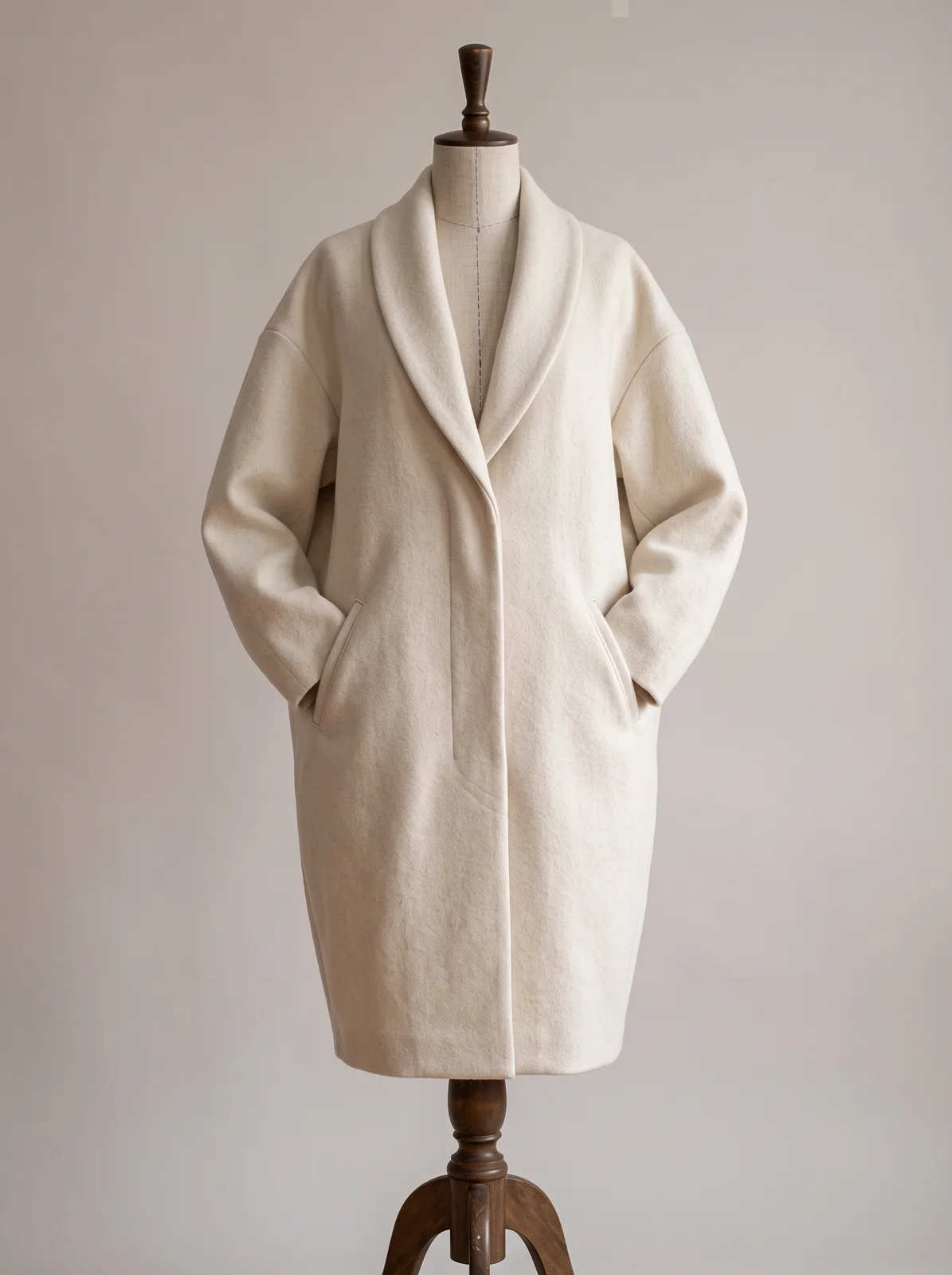
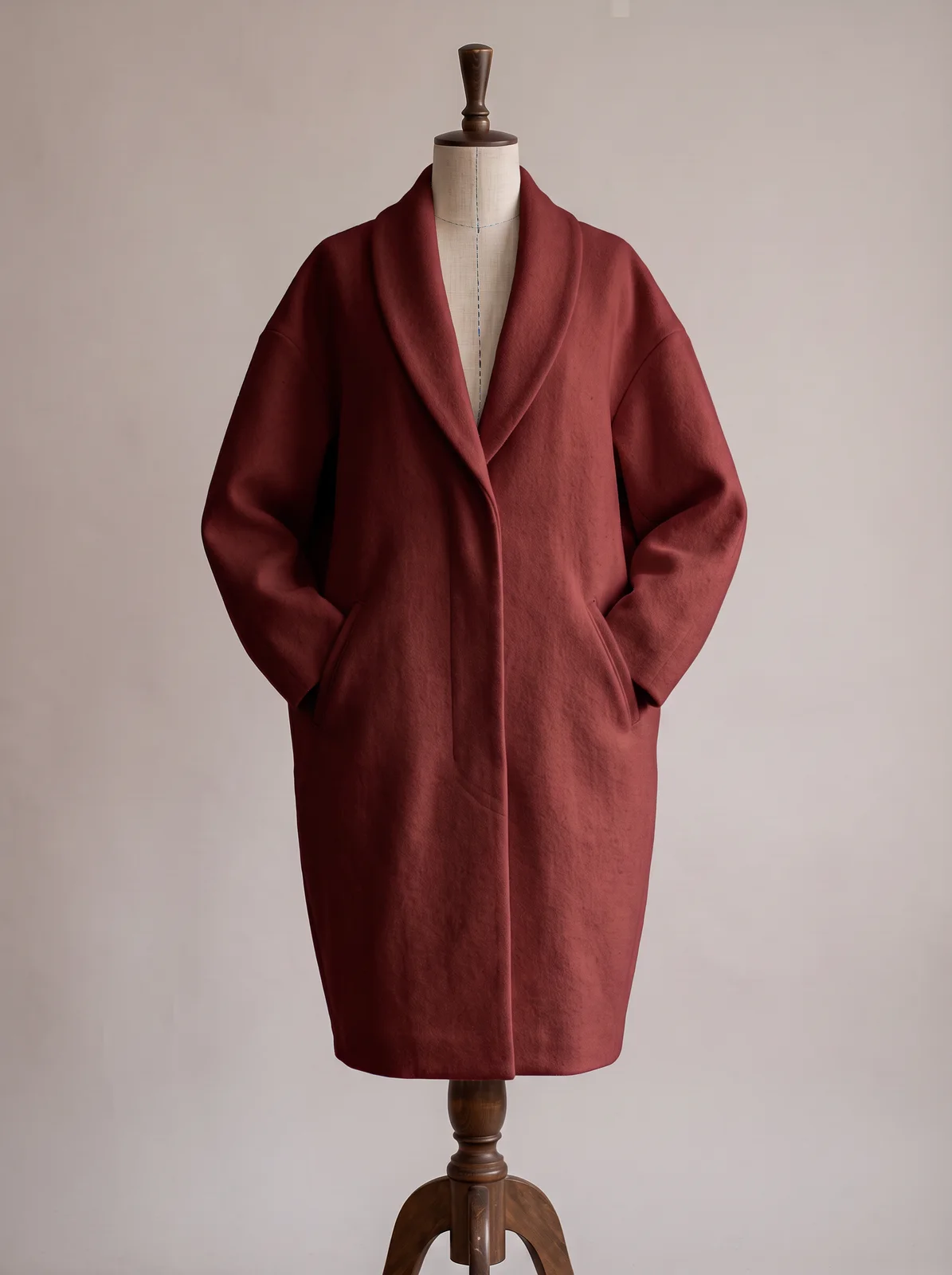
Describe the new colour, or the colour per part. The fabric texture, folds and shading are kept so the colour reads as dyed in.
What to prepare
- Image · required
- Maximum images: 1
- Describe it · required
- Body in deep forest green, lining in ecru…
How to use it
- 01Open this tool on the board and prepare the inputs listed here.
- 02Add any required images, choose the available settings, and generate a result.
- 03Compare the result with your brief and source files before downloading or sharing it.
What to check in the result
Check shapes, proportions, colours and fine details against your brief. Generated results can differ from the source.
A prompt to try
The whole coat in deep oxblood red, lining in a darker shade of the same red. Keep the cut, the fabric texture and the lighting exactly as they are.
The example on this page


